7 Best AI Tools for Content Creators in 2026
Compare the best AI tools for content creators for drafting, video, design, analytics, and growth, with pros, cons, and practical use cases.
Upkeep · 2026-09-06 · 43 min
The best AI tools for content creators aren't the ones that produce the flashiest first draft. They're the ones you can tie to a real outcome, a better hook, faster production, cleaner editing, wider distribution, or more followers from the same attention. That matters more now because creator adoption is already mainstream, with 86% of creators using generative AI in Adobe and The Harris Poll's 2025 survey and 89% using more than one creative AI tool in the past three months, yet audience enthusiasm for AI-heavy creator content has cooled. Adobe's 2025 Creator Toolkit report shows the workflow shift clearly, and Yubook's measurement-first publishing approach is a useful reference point for creators who care about conversion, not just output.
The practical way to judge each tool is simple. Look at workflow fit, speed, control, usage limits, and whether the tool helps you connect output to measurable growth. The seven tools below map to different jobs in a creator funnel, from publishing intelligence to video generation, editing, design, brand writing, repurposing, and copy refinement. If a tool doesn't make one of those jobs easier in a way you can observe, it's probably noise.
Table of Contents
- 1. Yubook
- 2. Runway
- 3. Descript
- 4. Adobe Express With Firefly
- 5. Jasper
- 6. OpusClip
- 7. Grammarly
- Top 7 AI Tools for Content Creators, Comparison
- Build a Stack That Learns From Results
1. Yubook
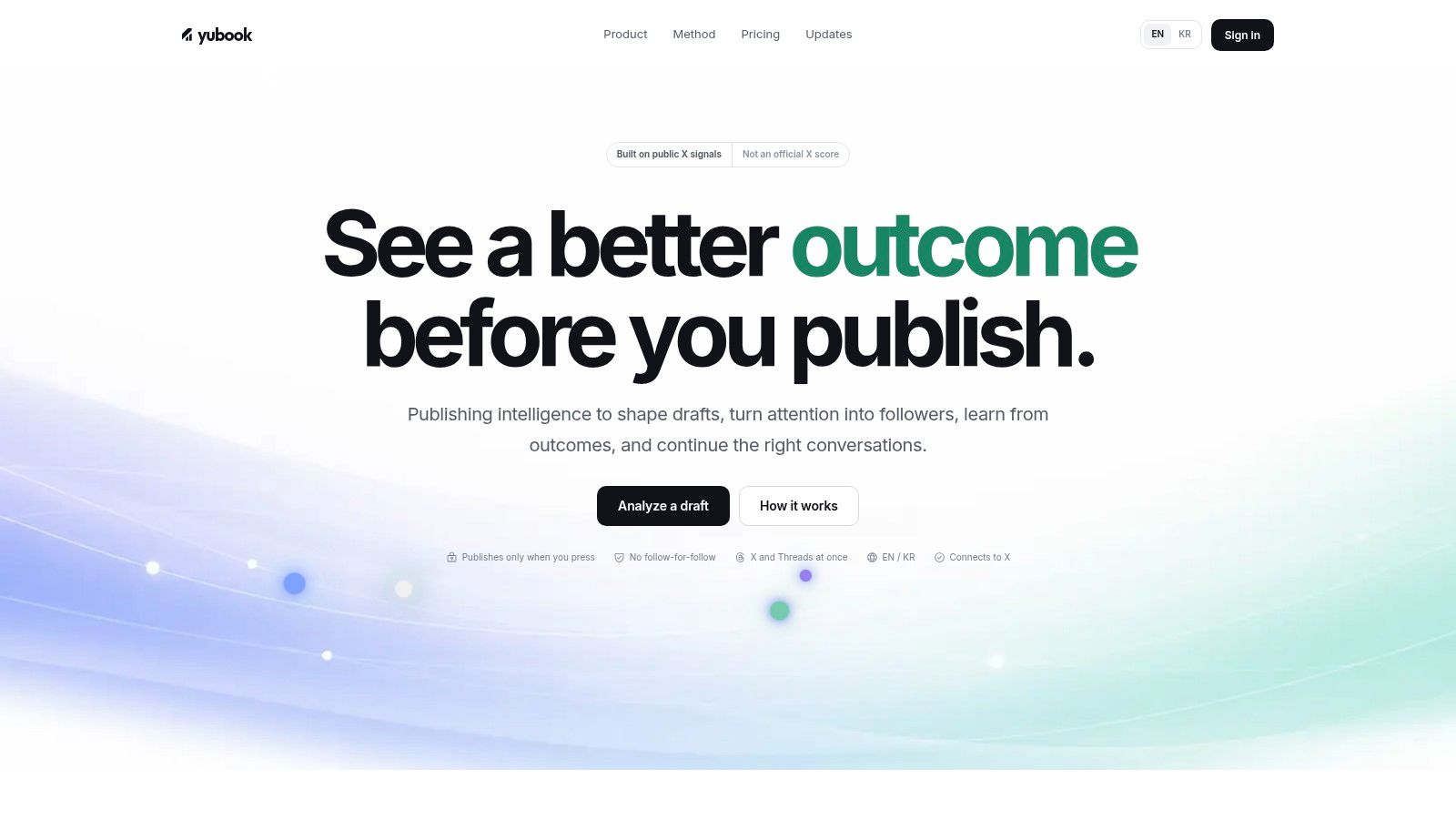
Yubook sits in a different category from the usual writing or design apps. It's a publishing-intelligence workspace for X and Threads that tries to answer the question most creators skip, not “Can I make this post?”, but “Will this post move attention into followers?” Its draft studio runs in the browser, typing stays on device, and measurement uses cookieless visit counting plus essential cookies only, so the product's pitch is more about transparent workflow than opaque automation. Yubook
Why it matters for measurable growth
The strongest part of Yubook is the way it separates forecast from outcome. Before publishing, it analyzes a draft against public platform signals and gives an explainable probability-range forecast for reach and engagement, while showing cue types such as reply, share, click, and negative feedback separately. That makes the recommendation auditable, which matters if you want to improve a post instead of just trusting a score.
Practical rule: use Yubook when your bottleneck is not drafting speed, but uncertainty about what will convert profile visits into followers.
Its workflow is built around learning loops. You can publish a single draft to both X and Threads, then replay predicted versus actual performance across timelines from 72 hours to all-time and treat the gap as training data for future posts. It also includes AI-assisted drafting, rewrite suggestions grounded in public weights, a ranked reply-target queue, account-specific pattern memory, and a seven-day follower-growth sprint focused on converting profile visits into follows. That's a rare mix, because most creator tools stop at content generation and never help you inspect whether the post earned the result you wanted. Yubook's publishing-intelligence overview
Best fit and trade-offs
Yubook is strongest for creators building on X and Threads, especially solo founders, newsletter writers, and social media managers who want explainable learning rather than raw output volume. It's not a universal creator suite, and it won't help if your work lives mainly on long-form video or visual design platforms.
The trade-off is straightforward. Forecasts are probabilistic, not guarantees, and the platform's full value depends on connecting your account and working with its measurement system. Pricing is also explicit, with a $9.90/week try-it plan and a $249/year yearly plan, both using the same engine. For creators who want a publishing stack that learns from real results, that's a reasonable exchange.
2. Runway

Runway earns its place because it compresses video production without forcing you into a single creative path. It's built around generative video, with image and audio generation, editing, upscaling, and asset management in one suite. For creators who need shorts, B-roll, stylized transitions, or concept reels, it's a practical way to produce more variants without bouncing across tools.
Where it fits in the funnel
Runway is most useful at the production capacity stage. If your drafts are good but your feed needs more motion, more variety, or more visual polish, this is the tool that helps you make more usable assets from the same idea. The model lineup, including Gen-4.5 and partner models, gives you options when one prompt style doesn't behave the way you want, and the plan structure makes the credit cost visible before you commit.
That credit visibility matters. Creators often underestimate how quickly iterative video work burns budget, especially when prompts need multiple passes. Runway is a good fit if you can treat each clip like a deliberate experiment rather than a casual toy.
Practical rule: use Runway for repeatable visual tests, not for endless prompt exploration without a target.
Pros and cautions
Runway's strengths are speed and range. You can work across text-to-video, image-to-video, audio tools, lip-sync, and upscaling inside one editor, which is useful when you're trying to turn one concept into several distribution-ready outputs. It also lowers the friction of testing different looks before a bigger production pass.
The caution is simple. Heavy projects can burn credits quickly, so budgeting isn't optional. The tool still rewards prompt craft and iteration discipline, which means it works best for creators who already know the audience and need the output pipeline to keep up.
3. Descript
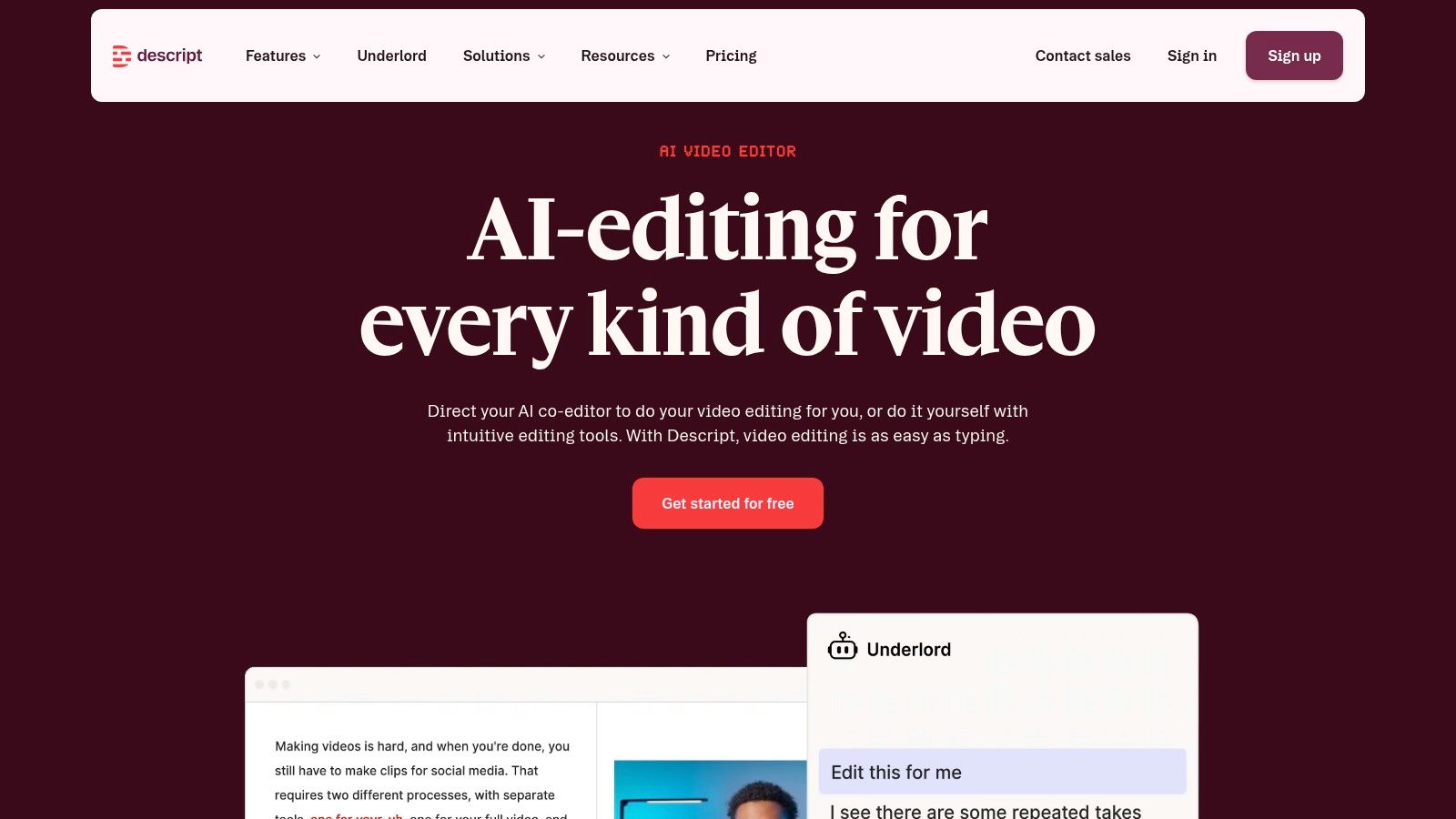
Descript is the most practical pick for creators who work from talk-first content. Its core trick is still the one that makes people stick with it, you edit audio and video by editing the transcript. That makes it unusually friendly for podcasters, YouTubers, and social teams that need fast turnaround without wrestling a traditional timeline.
Why it helps production and cleanup
The biggest workflow benefit is speed. If your raw material is an interview, a screen recording, or a voice-driven video, Descript turns cleanup into text editing, which lowers the barrier for non-editors. Features like Overdub, Studio Sound, AI eye contact, green screen, transcription, captions, and screen or remote recording make it easy to turn rough source files into publishable clips.
Descript is especially strong when your content already has a clear spoken structure. You're not asking it to invent a story, you're asking it to remove friction from the version you already have. That distinction matters, because tools that promise everything usually underperform at the specific task you need.
Limits you need to plan for
Descript's main drawback is not quality, it's usage management. Monthly transcription and AI limits mean high-volume creators need to watch hours and credits carefully. If you're clipping several long interviews a week, the plan you choose matters as much as the features you want.
The other caution is strategic. Descript improves editing efficiency, but it won't fix a weak hook, a flat topic choice, or poor retention. It helps you publish faster and cleaner, and that's valuable, but the growth lift still depends on the content decision upstream. For a deeper diagnostic on why early attention falls off, see Yubook's note on dropped views, which is more useful than guessing why a post stalled.
4. Adobe Express With Firefly
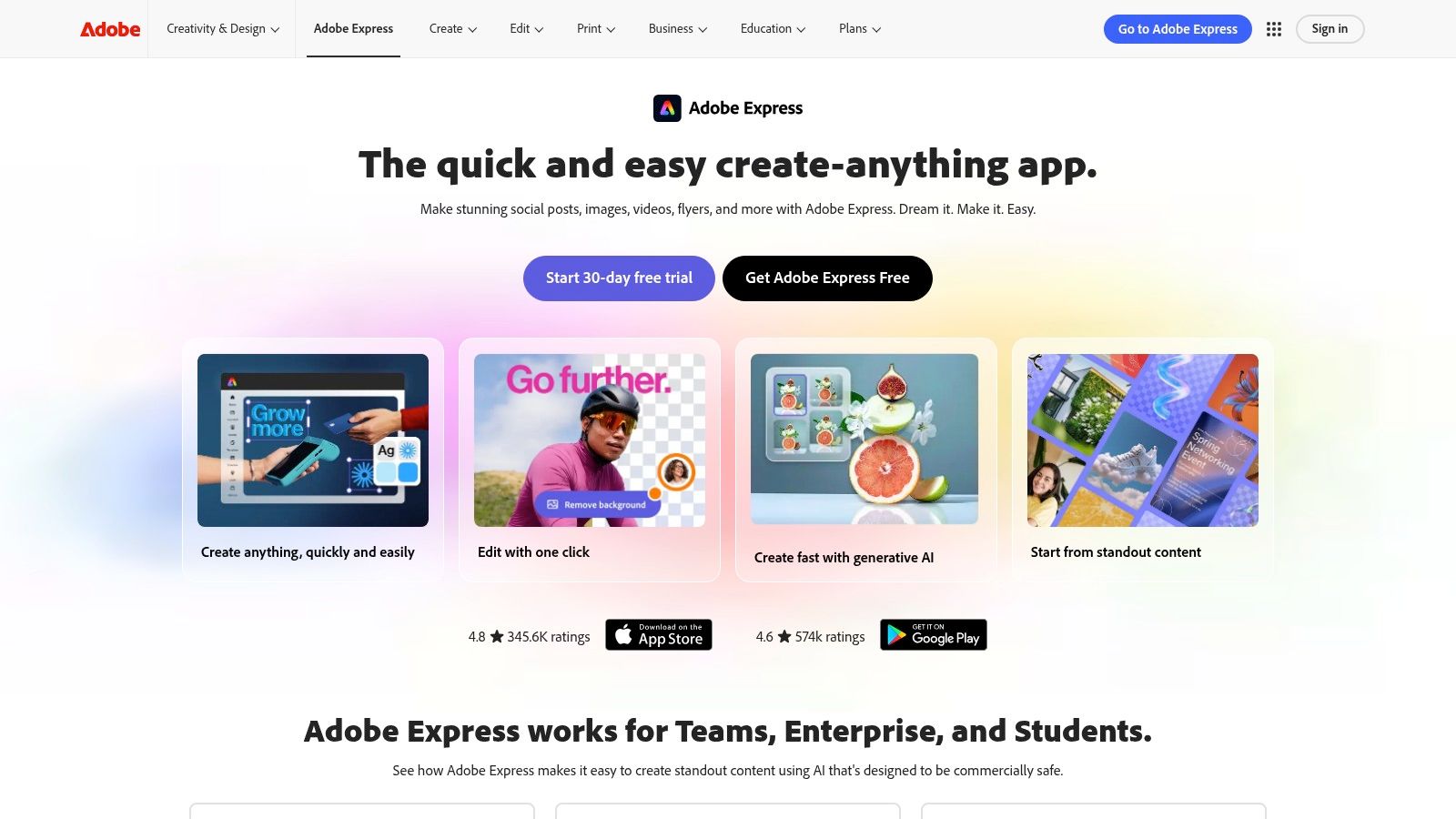
Adobe Express is the lightweight answer for creators who need design throughput, not a full professional design suite every time. It combines templates, brand kits, stock assets, quick social formatting, and Firefly generative tools in a web app that's easier to start with than full Creative Cloud apps. Adobe Express
Strong use case for social assets
This tool fits best when your bottleneck is packaging. You have the idea, maybe even the caption or script, but you still need a thumbnail, a promo card, a story asset, or a quick branded graphic. Adobe Express makes that faster because the template system does a lot of layout work for you, while Firefly credits add generative image and text effects when you need something custom.
The other advantage is ecosystem fit. If you already use Adobe products, Express can sit between rough idea and finished collateral without much friction. That makes it useful for creators who publish across channels and need consistency more than experimentation.
Trade-offs that affect output quality
The main limitation is scope. Some advanced features still live in full Creative Cloud apps, so Express is not a total replacement for Photoshop or Illustrator. It's the fast path, not the deepest path.
Firefly credits also matter. If you iterate heavily, you can run into usage limits sooner than expected, which changes the economics of the tool. That's why Adobe Express makes sense for creators who want reliable branded output with a light learning curve, not for people who spend all day generating and regenerating assets. Used that way, it's one of the cleaner ways to keep visual production moving without slowing the rest of the workflow.
5. Jasper

Jasper is the best-known option here for brand-consistent writing, and that's still its real advantage. Generic chatbots can draft almost anything, but they don't reliably remember tone, product facts, or the rules a team wants across social, landing pages, emails, and blogs. Jasper's Brand Voice and Knowledge features are built to reduce that drift. Jasper
Where it earns its keep
For creators who publish across multiple channels, Jasper is a governance tool as much as a writing tool. It helps keep a founder's LinkedIn post, a newsletter intro, and a campaign email aligned without rewriting the underlying facts every time. That's useful when you're building a brand and can't afford voice drift from one channel to the next.
Its Canvas and chat interfaces make it practical for both long-form and short-form work, while prebuilt agents help automate common marketing tasks. Teams that need repeatability will usually get more value from Jasper than from a generic AI writing app because the system is designed around brand rules, not just raw generation.
What to watch before adopting it
The trade-off is cost and access. Jasper's stronger governance, such as more Brand Voices, advanced agents, and API access, lives on higher-tier plans. That can make it a better fit for established teams than for solo creators testing ideas.
It also won't replace editorial judgment. Jasper can keep copy on brand, but it still needs a human to decide whether the message fits the audience and the moment. If your main problem is not drafting but keeping every channel consistent, Jasper is a solid fit. If you mainly need one-off creative sparks, it may be more tool than you need.
6. OpusClip
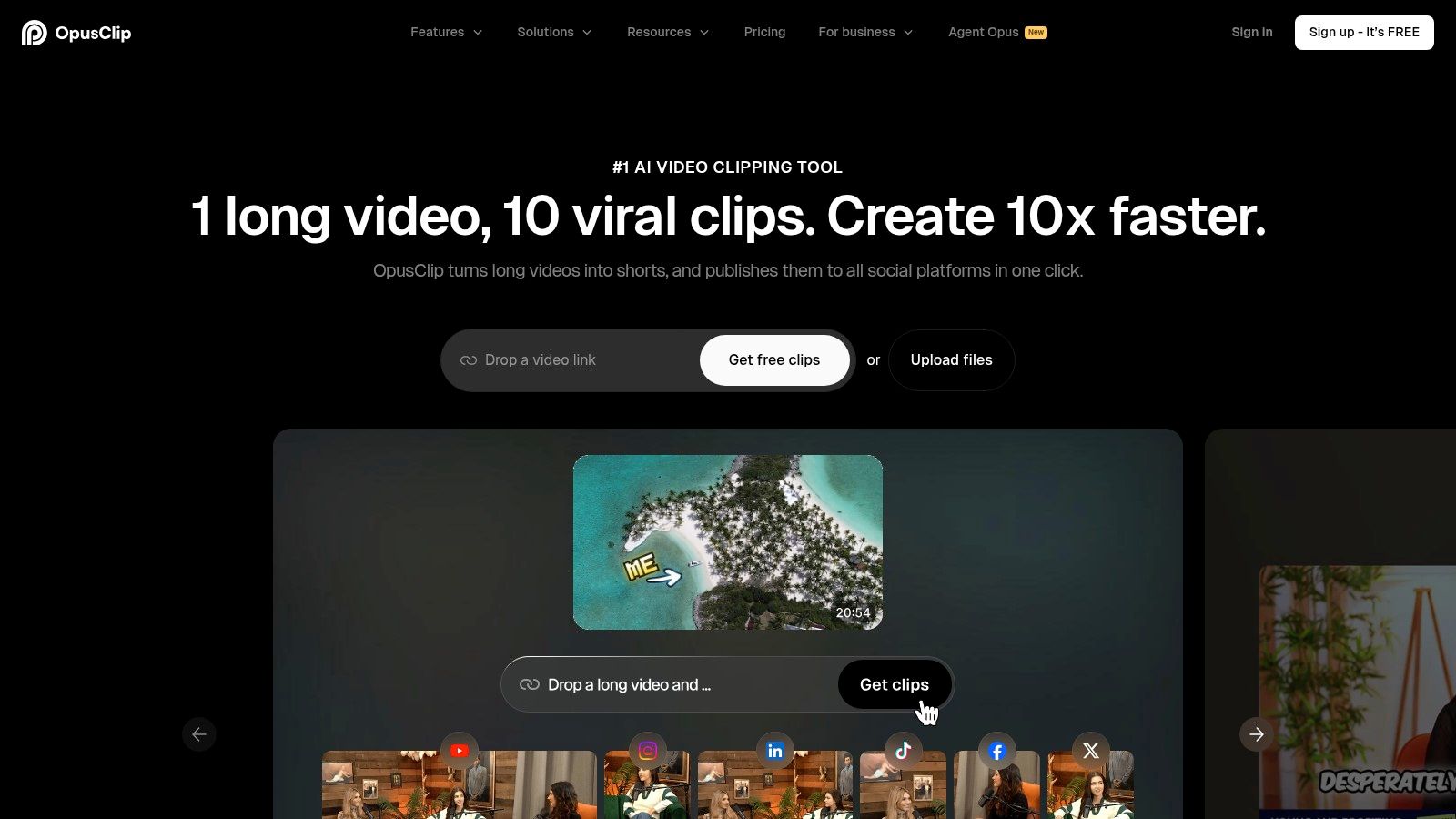
OpusClip is built for one job, turning long-form video into short, distributable clips quickly. That makes it one of the most useful repurposing tools for creators who already produce podcasts, webinars, livestreams, interviews, or long YouTube segments and need a faster way to feed Shorts, Reels, and TikTok.
Why it matters for distribution
The value is not just clipping, it's triage. OpusClip detects moments, adds captions, reframes the video, and ranks candidates with a Virality Score, which gives you a first pass on what might work before you spend time polishing. That can save a lot of manual review when you're working through long recordings and trying to decide which segment deserves the most attention.
It fits in the funnel. If Runway expands what you can create and Descript helps you clean it up, OpusClip helps you extract more distribution value from the same source file. Creators often ignore this stage, then wonder why strong long-form content doesn't turn into enough platform-native assets.
Use it with human judgment
The score is guidance, not a guarantee. OpusClip can rank a moment highly, but it can't fully understand context, nuance, or whether a clip will make sense out of sequence. Human review is still necessary for accuracy and pacing.
For creators active on X and Threads, it's also worth separating clip production from conversion measurement. A clip can get attention without creating follower growth, so pair repurposing with a system that tracks what happens after the view. Yubook's timing guidance resource is useful if your goal is to match repurposed content to the moments when your audience is most likely to respond.
7. Grammarly
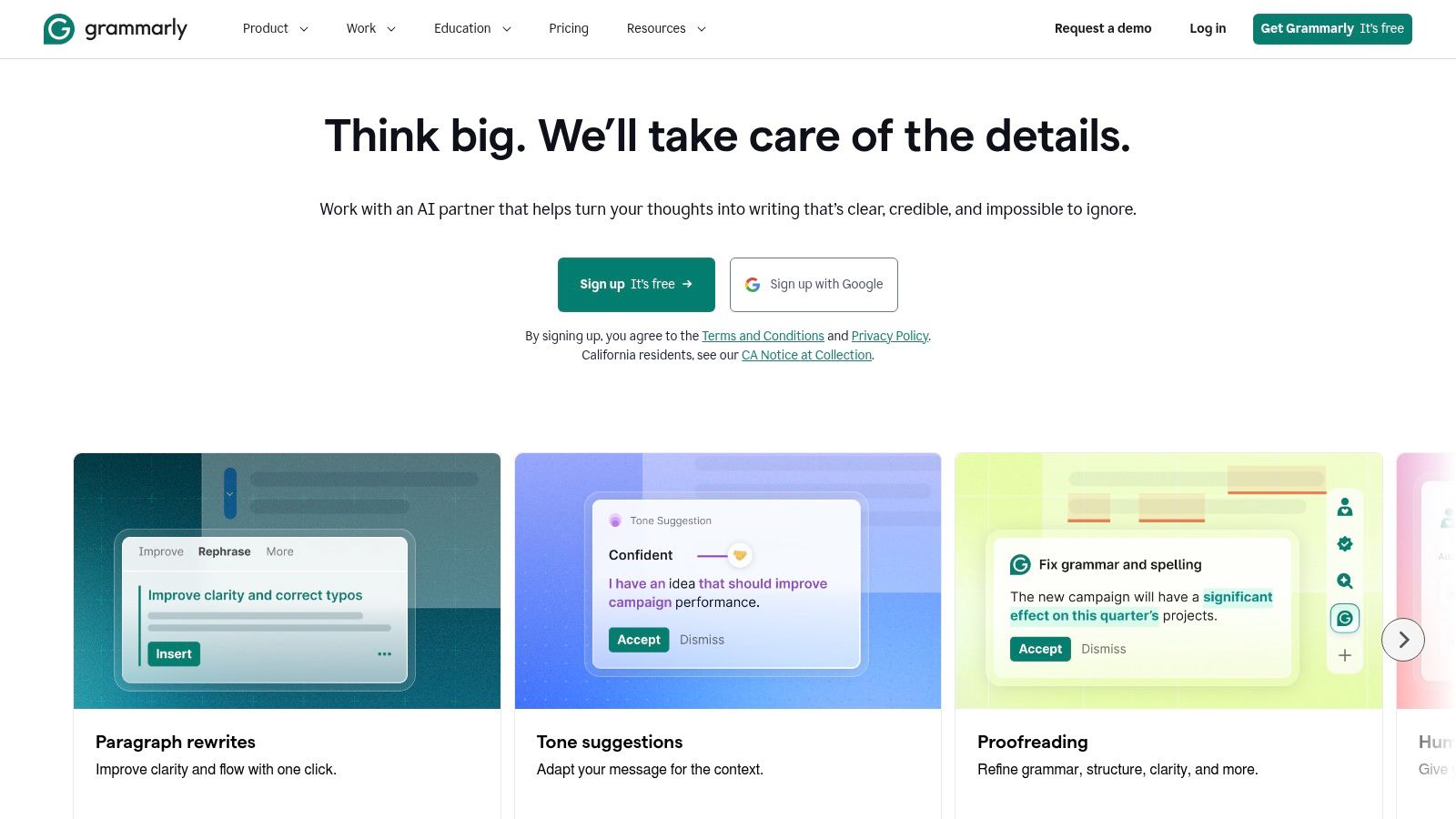
Grammarly is still one of the most practical tools for creators because it lives where you already write. It combines grammar, clarity, tone, and rewrite help with generative AI prompts, so it's useful for captions, replies, newsletter drafts, comment responses, and short-form copy that needs to read cleanly on the first pass. Grammarly
Best for copy refinement
If Jasper is the brand system and Yubook is the publishing intelligence layer, Grammarly is the last-mile editor. It helps you tighten awkward phrasing, correct mistakes, and make tone more consistent without forcing you into a separate drafting environment. That matters for creators who publish quickly and can't afford sloppy copy in public.
The browser and desktop integrations make the tool feel frictionless. You're not moving text around, you're just refining the place where you already work. That lowers the chance of skipping the edit step, which is usually where small copy problems become public mistakes.
What to know about limits
Grammarly's generative features have usage caps, so heavy drafters may hit limits. Higher-tier plans also provide stronger governance, style controls, and team features, which means solo creators and team operators will experience the tool differently.
It's also not a strategy tool. Grammarly can make a sentence sharper, but it can't tell you whether the idea should exist, whether the hook is strong enough, or whether the content will convert attention into followers. That's why it works best as part of a stack, not as a standalone writing plan. For creators who want every post to feel polished before it goes live, that's still a huge win.
Top 7 AI Tools for Content Creators, Comparison
| Product | Implementation complexity | Resource requirements | Expected outcomes | Ideal use cases | Key advantages |
|---|---|---|---|---|---|
| Yubook | Low–Moderate, browser-based, account connect required | Subscription (weekly/yearly), account data link; minimal local resources | Explainable pre‑publish forecasts and measurable post performance | Social creators/teams on X & Threads optimizing post timing and replies | Transparent signal‑level forecasts; privacy‑first draft studio; unified measurement |
| Runway | High, generative video workflows and model selection | Credit‑based plans, GPU compute (backend), iteration time | Fast generation of stylized/short video assets and upscales | Video creators needing generative video, upscaling, and studio outputs | Wide model choice; frequent model updates; integrated video/image/audio tools |
| Descript | Low, text‑based media editing UI, simple learning curve | Subscription tiers, transcription/AI minute limits, storage | Rapid talk‑first edits, polished podcast/video exports | Podcasters, YouTubers, social teams needing quick edits/captions | Text‑first editing; Overdub, Studio Sound, fast captioning |
| Adobe Express (with Firefly) | Low, template‑driven web app, easy for non‑designers | Subscription (Free/Premium), Firefly generative credits, stock assets | Quick branded social/marketing assets and templates | Marketers and social teams producing collateral at scale | Large stock library; brand kits; Creative Cloud integration |
| Jasper | Moderate, setup for brand voices and agents | Subscription (seat/plan dependent), API for integrations | Consistent, brand‑aligned long‑ and short‑form copy across channels | Teams/agencies generating multi‑channel marketing content | Brand Voice & Knowledge features; prebuilt marketing agents |
| OpusClip | Low, upload long video, automated clip generation | Subscription, upload bandwidth, human review time | Batch of short vertical clips with ranked virality guidance | Creators repurposing podcasts/webinars into Shorts/Reels | Automated clipping/reframing; Virality Score triage |
| Grammarly | Low, browser/desktop extensions, simple rollout | Subscription (individual/team/enterprise), prompt allotments | Cleaner, on‑brand copy with rewrite suggestions and checks | Anyone writing across web/apps; teams requiring governance | "Everywhere you write" integration; tone/plagiarism controls |
Build a Stack That Learns From Results
The right stack depends on where your funnel breaks. Use Jasper or Grammarly to improve the input, the draft quality, tone, and clarity. Use Runway, Adobe Express, and Descript to expand formats and raise production capacity. Use OpusClip when you need to repurpose long-form content into more distribution-ready pieces. Then use Yubook when the primary challenge is X or Threads growth, because it connects publishing choices to explainable forecasts and follower-conversion learning instead of leaving you with vanity metrics.
That order matters. Most creators buy tools in the reverse sequence, starting with the flashiest generator and hoping growth follows. It usually doesn't. A better approach is to start with one bottleneck, define one measurable outcome, and record the baseline before you add more software. If your issue is weak hooks, fix drafting. If it's slow production, fix editing or design. If it's inconsistent distribution, fix repurposing. If you already have reach but not followers, measure the conversion step directly.
Yubook is the clearest option when you want to learn from actual post performance on X and Threads. Its public-signal forecasts, unified publishing, and predicted-versus-actual replay make it easier to improve judgment over time, which is exactly what creator teams need when AI output is no longer the bottleneck. AI can accelerate production, but disciplined experiments and audience-fit conversations decide whether attention turns into durable growth.
If you're building on X or Threads, Yubook gives you a way to check a draft before it goes live, forecast likely performance, and measure whether attention turned into followers. Visit Yubook to see how its publishing intelligence and follower-conversion tracking fit into your workflow.