MacBook M5 Buying Guide for AI Productivity
Which MacBook is right for your AI workflow?
Upkeep · 2026-05-15 · 42 min
MacBook M5 Buying Guide
for AI Productivity
2026 Complete Edition
M5 Air·Pro·Max Launched — 4x Faster AI Performance, Fusion Architecture,
and Wi-Fi 7. Which MacBook is right for your AI workflow?
🚨 M5 Release Has Reshaped the AI MacBook Landscape
In March 2026, Apple simultaneously announced the MacBook Air M5 and MacBook Pro M5 Pro·M5 Max, ushering in a new era of AI personal computing. The core of this M5 generation is not just a simple speed improvement. It features a next-generation GPU architecture with Neural Accelerators built into each GPU core, a Fusion Architecture that physically separates and combines CPU and GPU dies, and the N1 Networking Chip enabling Wi-Fi 7 and Bluetooth 6. These three innovations combined have boosted AI workload performance by up to 4 times compared to M4, and up to 9.5 times compared to M1.
The changes are particularly dramatic in local LLMs. Apple officially announced that M5 Pro·Max offers 4x faster LLM prompt processing speeds compared to M4 Pro·Max, and 8x improvement in AI image generation compared to M1 Pro·Max. However, due to a surge in global demand for AI hardware, memory prices have risen sharply, leading to an average price increase of $200-$400 for M5 MacBooks compared to the previous generation. The strategic decision of whether to buy an M5 now or a discounted M4 is more critical than ever.
(LLM Prompt Processing)
M1 Air
Bandwidth (GB/s)
(vs M4 Pro)
💡 Key Insight: M5's GPU features Neural Accelerators embedded in each core. This isn't merely an increase in processing power, but means the entire AI inference pipeline is accelerated at the GPU level, delivering a qualitatively different experience for both Core ML-based apps and local LLMs.
🔬 Deep Dive into the M5 Chip: What is Fusion Architecture?
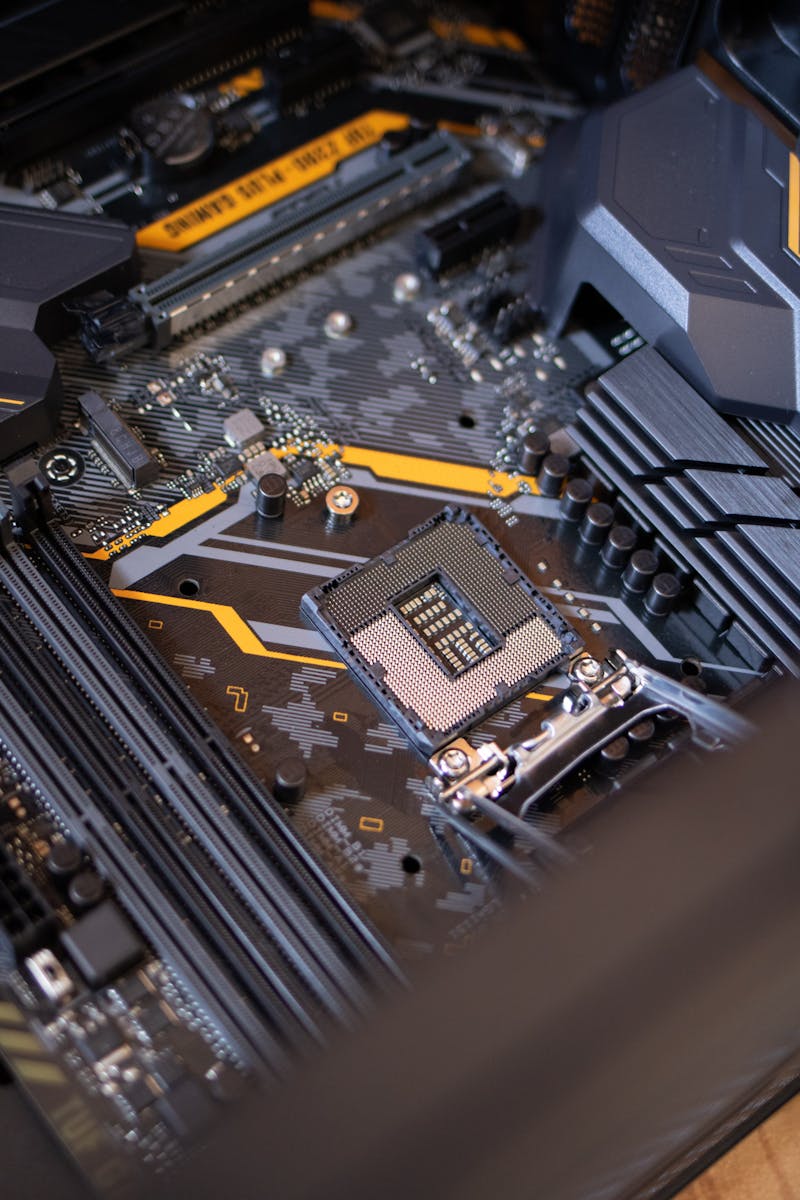
The most revolutionary change in M5 Pro and M5 Max is the introduction of Fusion Architecture. This architecture divides the CPU and GPU blocks into two physically separate 3nm dies, which are then combined into a single SoC. The M5 Pro features up to 18 cores (6 super cores + 12 performance cores), a significant expansion from the previous M4 Pro's maximum of 14 cores. Apple announced approximately 30% improvement in CPU performance and 50% in GPU performance compared to the previous generation.
For AI users, the most crucial specification is memory bandwidth. The M5 Max provides up to 614GB/s of memory bandwidth, an increase of over 50% compared to the M4 Max. In llama.cpp benchmarks, the M5 Max 128GB achieved a 49.7% improvement in Llama-3-70B token generation speed compared to the M4 Max.
⚖️ M5 MacBook Lineup Full Comparison
| Model | Chip | Max Memory | Bandwidth | API Only | Local LLM | Image AI | Starting Price (USD) |
|---|---|---|---|---|---|---|---|
| MacBook Air 13" | M5 | 32GB | 153 GB/s | Optimal | Up to 7B | Basic | $1,099 |
| MacBook Air 15" | M5 | 32GB | 153 GB/s | Optimal | Up to 13B | Good | $1,299 |
| MacBook Pro 14" | M5 Pro | 64GB | 307 GB/s | Optimal | Up to 34B | Excellent | $2,199 |
| MacBook Pro 16" | M5 Pro | 64GB | 307 GB/s | Optimal | Up to 34B | Excellent | $2,499 |
| MacBook Pro 14/16" | M5 Max | 128GB | 614 GB/s | Optimal | 70B+ Possible | Expert-level | $3,899 |
⚠️ Price Alert: Due to global memory shortages, the M5 lineup has seen price increases of $200-$400 compared to M4. M4 remaining stock or refurbished products might offer better value, so comparison shopping is recommended.
📊 Generation-by-Generation AI Performance Comparison Graph
Relative index of local LLM inference speed and AI image generation speed, weighted average (M5 Max 128GB = 100 benchmark).
🆚 M5 Air vs M5 Pro: Decisive Differences for AI Users

The most crucial difference between the Air M5 and Pro M5 Pro is not chip performance, but sustained performance. During 30 minutes of continuous LLM inference, the Air M5 maintained approximately 78% of its peak performance, while the Pro M5 Pro (14-inch) maintained 92%, and the Pro M5 Pro (16-inch) maintained 98%. Additionally, while the M5 Air features Thunderbolt 4, the M5 Pro·Max comes with Thunderbolt 5 (up to 120Gbps), which makes a critical difference in external AI model library operation speeds.
| Item | Air M5 | Pro M5 Pro | Pro M5 Max |
|---|---|---|---|
| Cooling Method | Fanless | Active Cooling | Active Cooling |
| 30-min AI Inference Sustained Rate | ~78% | ~92% | ~98% |
| Thunderbolt | TB4 | TB5 | TB5 |
| Max Memory | 32GB | 64GB | 128GB |
| Memory Bandwidth | 153 GB/s | 307 GB/s | 614 GB/s |
| Base Storage | 512GB | 1TB | 2TB |
| Starting Price (USD) | $1,099 | $2,199 | $3,899 |
🎙️ Expert Q&A: Practical Questions for the M5 Era
🎯 Optimal 2026 MacBook Recommendations by User Type
✅ M5 MacBook AI Pre-Purchase Checklist (2026 Edition)
- Have you clearly decided whether to use only API-based tools or also run local LLMs?
- If long-duration (1 hour+) AI inference is needed, did you choose a Pro model instead of the fanless Air?
- Did you configure the memory to at least 24GB for Air, and at least 36GB for Pro models?
- If you plan to use external AI model libraries, did you choose a TB5-enabled Pro model?
- Given the M5 price increase, have you compared with M4 refurbished or remaining stock?
- Have you verified the M5-optimized versions of tools you plan to use, such as Ollama, LM Studio, ComfyUI?
- Have you compared all benefits, including Apple education discounts, interest-free card installments, and refurbished store deals?
- Have you considered waiting for the OLED-equipped M6 generation (expected 2027)?
🏁 Conclusion: The Answer for 2026 M5 MacBook Buyers is This
The M5 generation further solidified the MacBook's superiority in AI workloads. Fusion Architecture, Neural Accelerators per core, Wi-Fi 7, and 2x faster SSDs—this combination represents a structural leap that competitors will find difficult to match immediately. In particular, the M5 Max 128GB's 614GB/s memory bandwidth has created the first portable environment capable of running local 70B models at practical speeds.
However, the price increase is a variable. For budget-conscious users, refurbished M4 Max·Pro models still offer excellent value. The clear reasons to choose an M5 are if one of these three applies: ① local 70B+ models, ② sustained AI inference performance for long durations, or ③ utilization of high-speed external storage based on TB5.
🚀 2026 Ultimate Recommendation Summary
· Best Value: MacBook Air M5 24GB + 512GB (as configured at $1,299)
· AI Developer Sweet Spot: MacBook Pro 14" M5 Pro 36GB + 1TB ($2,599~)
· Local 70B Researcher: MacBook Pro 16" M5 Max 128GB + 2TB ($4,999~)