10 Best Social Media Scheduling Tool Options for 2026
Compare 10 social media scheduling tool options for X and Threads, with practical use cases, limitations, cross-posting, safety, and analytics guidance.
Upkeep · 2026-08-24 · 55 min
The broadest network list doesn't automatically make a social media scheduling tool the best choice. A scheduler can publish to X and Threads at the same time yet still create extra work if it treats both platforms as identical, exposes unfinished drafts, or gives you analytics too shallow to explain why one post converted attention and another didn't.
This comparison focuses on the operational problems that shape real publishing: reliable cross-posting, platform-specific editing, draft safety, approvals, measurement depth, and the gap between predicted and actual performance. Scheduling convenience means preparing content in advance and reducing repetitive publishing work. Publishing intelligence goes further. It helps you decide what to change, what to measure, and whether the result justified the original forecast.
The market's direction supports that distinction. Social media scheduling tools reached USD 2.54 billion in 2024 and are projected to reach USD 7.50 billion by 2033, growing at a 14.2% CAGR, according to ScheduleWave's market statistics. The strongest option depends on your workflow, so the list groups mature management suites, creator-friendly schedulers, visual planners, evergreen systems, and tools built around measurement or collaboration.
Table of Contents
- 1. Hootsuite
- 2. Sprout Social
- 3. Buffer
- 4. Later
- 5. Agorapulse
- 6. Metricool
- 7. Publer
- 8. SocialBee
- 9. CoSchedule Social Calendar
- 10. Loomly
- Top 10 Social Media Scheduling Tools Comparison
- Choose the Workflow You Can Measure and Maintain
1. Hootsuite
Hootsuite is the strongest fit when scheduling sits inside a larger team operation. Its unified calendar, bulk scheduling, asset libraries, engagement tools, analytics, and permission controls reduce the number of separate systems an enterprise team needs to coordinate.
For X and Threads, the important capability isn't just broad coverage. Hootsuite supports both networks while giving teams a central place to prepare, review, and publish content across Facebook, Instagram, LinkedIn, YouTube, Pinterest, TikTok, X, Threads, and other channels. That makes simultaneous distribution practical, but the team still needs to inspect every network-specific version before publishing.
Its AI-assisted writing and recommended publishing times can shorten the path from idea to scheduled draft. Recommended timing is useful as a starting point, not as proof that a post will perform. A suggested window can't replace audience fit, reply activity, or the quality of the opening line.
Operational rule: Use recommended send-times to prioritize tests, then compare the forecast with actual reach, engagement, and follower actions.
Hootsuite's main trade-off is organizational weight. Enterprise-ready permissions and collaboration are valuable when multiple people touch a post, but smaller teams may find the platform more expensive and more extensive than their daily process requires. Some bulk capabilities may also be unavailable during a trial, so test the exact batch workflow before committing.
Creators who want a browser-based drafting and measurement layer alongside a broader scheduler can compare Yubook's plans, particularly when X and Threads publishing need separate analysis rather than one generic cross-network result.
2. Sprout Social
Sprout Social makes the most sense for teams that treat publishing and community management as one operating loop. Its direct Threads integration covers scheduling, engagement, and analytics, while the Smart Inbox connects the post calendar to the conversations that follow publication.
That connection matters more on X and Threads than a feature list suggests. A scheduled post can start a discussion, but the performance signal may come from the replies, mentions, and follow-up interactions rather than the original post alone. Sprout's unified workflow helps teams see publishing and response work together instead of handing the post to a separate inbox after it goes live.
Shared calendars, asset libraries, tagging, and approval controls support structured collaboration. An agency can route a draft through internal review, preserve campaign context, and produce reporting that's easier to interpret across clients. The practical advantage is governance. A reviewer can evaluate the message, media, platform version, and campaign label before the scheduler releases it.
Where Sprout earns its cost
Sprout's deeper analytics are its clearest differentiator. Teams can examine performance across networks and use that information to refine content decisions, rather than judging the tool only by whether it published on time. That's especially useful when X and Threads produce different kinds of conversation around the same idea.
The cost structure needs scrutiny. Pricing is sales-led and commonly organized around users, so adding seats can change the economics for growing teams. Some post formats may also have platform limitations, including Threads polls, which means support for Threads doesn't guarantee support for every Threads publishing behavior.
Before choosing Sprout, test the exact post types you use, then inspect whether the analytics answer your real question: which scheduled posts created valuable audience movement, not merely which ones collected activity.
3. Buffer
Buffer is the cleanest choice for creators and small teams that want to schedule without learning a sprawling social management system. Its channel-based pricing makes the cost structure easier to understand, while its support for Threads and X gives users a straightforward path to multi-network publishing.
The Omnibox composer is more important than the simple interface suggests. It lets you start with one idea, then adjust the copy and media guidance for each network. That directly addresses a common cross-posting failure: publishing identical language everywhere and assuming the audiences will respond the same way.
Buffer also supports Threads engagement and multi-post thread workflows. For a creator writing a connected argument rather than a single update, that makes the scheduler more useful than a basic queue. The creator can prepare the sequence, review the order, and preserve the relationship between individual posts before publication.
Publishing test: Draft one idea for X and Threads, then compare the two versions side by side. If the tool makes customization awkward, its cross-posting convenience may create more editing work later.
Buffer's weakness appears when measurement and collaboration become more demanding. Advanced analytics and team features are limited on lower tiers, so a solo creator may be comfortable while an agency needs a more expensive plan or another reporting layer. The interface favors speed over extensive governance.
Use Buffer when the central problem is maintaining a reliable publishing rhythm across selected channels. Pair it with a deliberate best-time publishing workflow if timing decisions need to account for draft quality, spacing, and actual audience response rather than a fixed queue alone.
4. Later
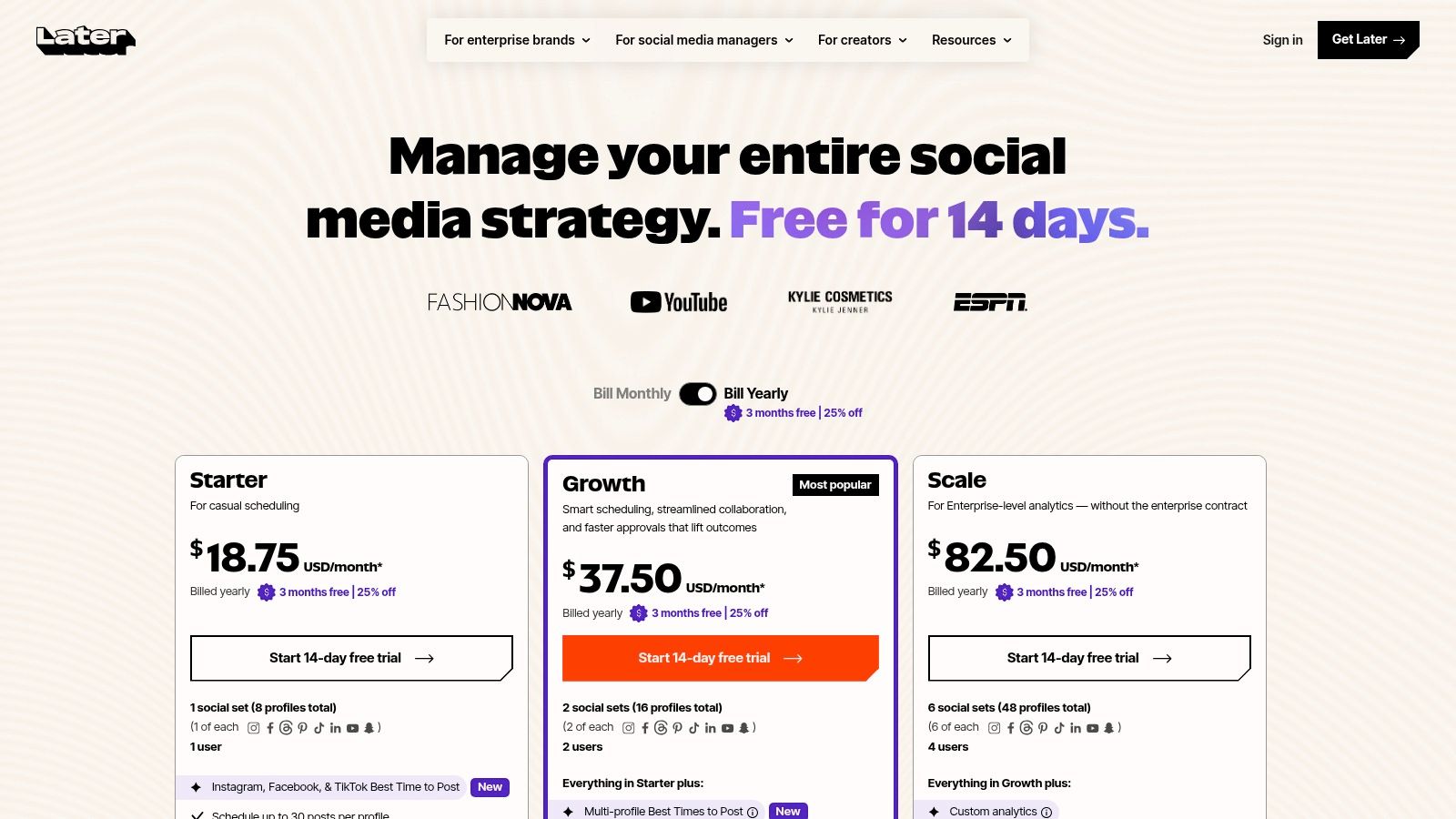
Later is a visual planning tool first, and that identity shapes where it fits. Brands that create image-led campaigns, short-form video, carousels, Instagram Reels, TikTok content, or Shorts will likely value its drag-and-drop calendar and media library more than teams whose work is mostly text on X and Threads.
Later now supports Threads and X, so visually driven teams can extend an existing content plan into text-led conversation channels. Threads posts can include text, images, video, and carousels on desktop. That gives a brand a way to coordinate a visual campaign while still preparing platform-specific conversation around it.
The advantage is context. A team can see assets, publishing order, and campaign rhythm in one visual workspace instead of treating every post as an isolated text record. Link-in-bio functionality and shared media organization add value for brands that connect social publishing to a broader content journey.
The X and Threads limitation
Visual planning doesn't automatically produce publishing intelligence. X and Threads often depend on timely replies, conversational context, and copy that feels native to the network. A polished calendar can help a team publish consistently, but it won't tell you whether a scheduled post should remain queued or be replaced by a live response to an emerging discussion.
Lower plans may impose post limits, and team features are gated at higher tiers. Those constraints matter for agencies and brands managing several contributors. Check whether the plan supports the number of accounts, approvals, and publishing formats your workflow requires before evaluating the visual experience in isolation.
Later is best when asset coordination is the bottleneck. It's less compelling as the only system for teams that need deep measurement of X and Threads conversation quality.
5. Agorapulse
Agorapulse is built for teams and agencies that need publishing, inbox management, listening, reporting, and client coordination in one environment. Its composer supports Threads, X, Instagram, TikTok, YouTube, LinkedIn, Pinterest, Google Business, and other networks, but the more important feature is how scheduled content connects to follow-up work.
A post that goes live on X or Threads creates an operational queue. Someone must monitor replies, classify useful conversations, respond to relevant people, and report what happened. Agorapulse's unified inbox reduces the chance that the publishing team and community team work from disconnected records.
Shared calendars, assignments, performance reports, and approval workflows give agencies a clear division of responsibility. A strategist can prepare the draft, a client can review it, and a community manager can handle responses after publication. That structure is more valuable than a broad channel list when several people share access to the same accounts.
Best use for agencies
Agorapulse's role-based workflow makes it a practical option for client work. Public pricing tiers also make initial comparison easier, although per-user pricing can become more significant as teams grow. Legacy plans are being phased out, so organizations moving from an older account should confirm migration requirements and feature continuity.
The tool's support resources are another practical strength. Social APIs and post formats change, especially on newer networks, so current documentation matters when a team depends on reliable Threads and X publishing.
Choose Agorapulse when the question is, “Who schedules, who approves, who responds, and how do we report the whole process?” Choose a lighter tool when the answer involves only one creator and a small publishing queue.

6. Metricool
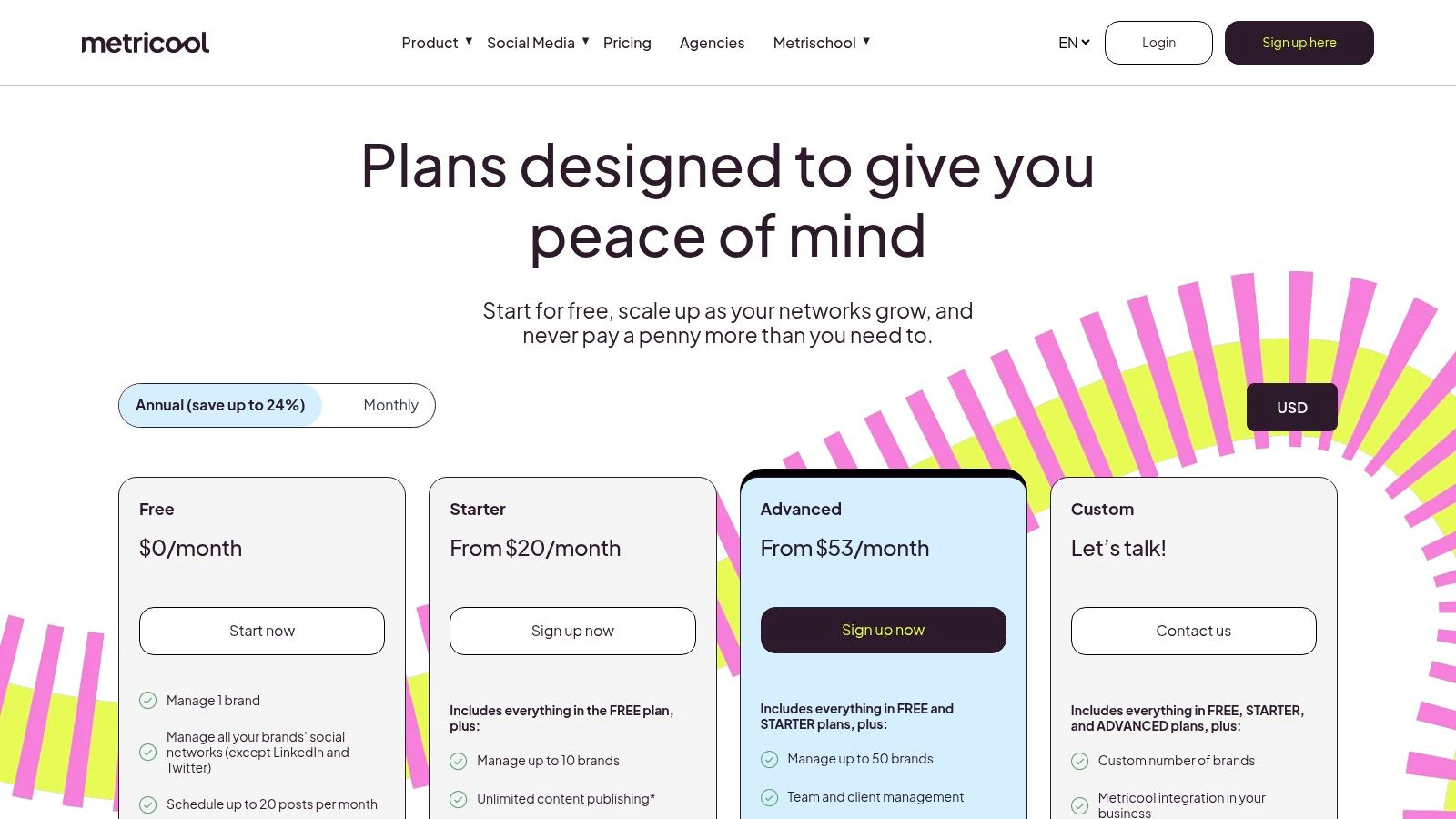
Metricool combines scheduling with analytics in a way that suits creators and small teams that want usable reporting without adopting an enterprise-heavy platform. It supports publishing to Threads, X, Instagram, TikTok, LinkedIn, YouTube, Pinterest, and other networks, while also providing Threads metrics and daily follower-change tracking.
That combination makes Metricool useful for a specific operational problem: connecting publishing activity to audience movement. A scheduled post that earns reactions but doesn't lead to profile visits or follows may not deserve the same treatment as a quieter post that attracts the right audience. The tool's analytics orientation encourages that distinction.
Integrations and API access for Looker Studio and automation tools also matter for teams that already maintain reporting outside the scheduler. Instead of forcing every stakeholder into the publishing dashboard, a marketer can build a reporting view that fits existing analysis habits.
What Metricool won't solve alone
Metricool's interface is more utilitarian than design-focused. That can be an advantage for users who prioritize information over visual polish, but teams that need elegant client review or asset presentation may prefer a more collaboration-centered platform.
Analytics also don't automatically explain causality. Follower change can provide useful context, but teams still need to compare post format, topic, timing, reply activity, and audience fit. A dashboard tells you what changed. Your publishing process must determine what to test next.
Metricool is a strong choice when measurement is the center of the workflow and the team can tolerate a less decorative interface. It's especially relevant for creators who want Threads and X publishing connected to ongoing audience analysis rather than left as a detached scheduling task.
7. Publer
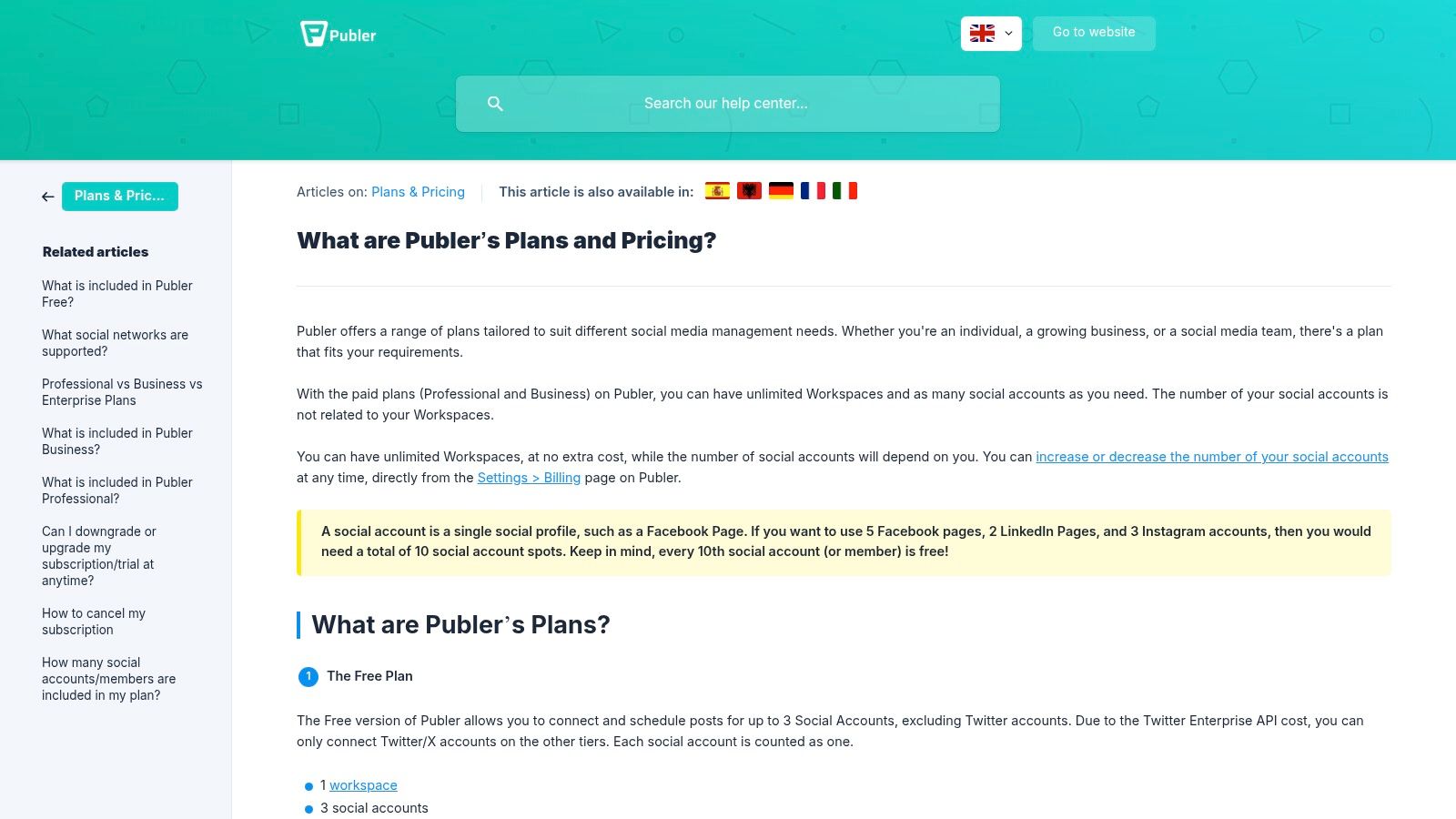
Publer stands out for creators and small businesses that publish across an unusually broad network mix. Alongside Threads and X, it supports Facebook, Instagram, LinkedIn, Pinterest, TikTok, YouTube, Google Business, Telegram, Mastodon, Bluesky, and other destinations.
That breadth is useful only if the composer preserves platform-specific control. Publer's AI-assisted thread splitting and follow-up comment features address a concrete Threads and X workflow: turning a long idea into a sequence without manually rebuilding every post. The creator can prepare the structure, then review whether each segment still makes sense on its own.
The tool's business plan adds collaboration and reporting, which gives growing teams a path beyond solo scheduling. Its transparent pricing options also make it easier to compare against tools that require a sales conversation before revealing the full workflow.
A long-form draft isn't ready for cross-posting simply because it can be split automatically. Review every transition, opening post, and follow-up comment for platform-native meaning.
Publer's main limitation comes from the networks themselves. Some capabilities vary by platform because APIs don't expose identical publishing and engagement functions. A tool may support Threads and X while still requiring manual handling for a particular format, media type, or interaction.
Choose Publer when your operational problem is network sprawl plus multi-post thread production. Don't choose it solely because it lists more platforms. Verify which features work natively for the exact formats you publish, and decide whether its reporting depth is sufficient for measuring audience quality.
8. SocialBee
SocialBee is designed around consistency through categories, queues, evergreen recycling, and AI-assisted content support. It suits creators and small teams that want to maintain a dependable cadence across X, Threads, Facebook, Instagram, LinkedIn, Pinterest, TikTok, YouTube, Bluesky, Google Business, and other supported networks.
The category system changes the planning question. Instead of asking which individual post should fill the next calendar slot, a team can manage a balance of themes, such as education, promotion, commentary, and curated material. Evergreen queues then keep reusable content moving without requiring the creator to rebuild the schedule after every publishing session.
That approach helps solve output gaps, but X and Threads require caution. Recycling a durable educational post may be sensible. Recycling a reaction to a temporary event or an outdated product claim can make the account look disconnected from current conversations.
Consistency versus conversation
SocialBee's Threads scheduling and Engage module support a workflow that combines queued publishing with interaction. The distinction matters because scheduled content can maintain presence, while replies and timely participation create the conversational signals that a queue can't manufacture.
Network limitations also affect engagement and analytics. Some functions depend on what each platform allows, and the retired browser extension removes one possible route for capturing content during browsing. Teams should confirm how they'll collect ideas, approve recycled posts, and review performance before relying on automation.
SocialBee is the right fit when the recurring content system is the bottleneck. It's less suitable when most of your value comes from live commentary, rapid replies, or highly individualized posts that shouldn't enter an evergreen queue.

9. CoSchedule Social Calendar
CoSchedule Social Calendar treats social publishing as part of a broader marketing calendar. That makes it a natural choice for teams that need social posts organized alongside campaigns, articles, launches, and other content work rather than managed in a separate social-only workspace.
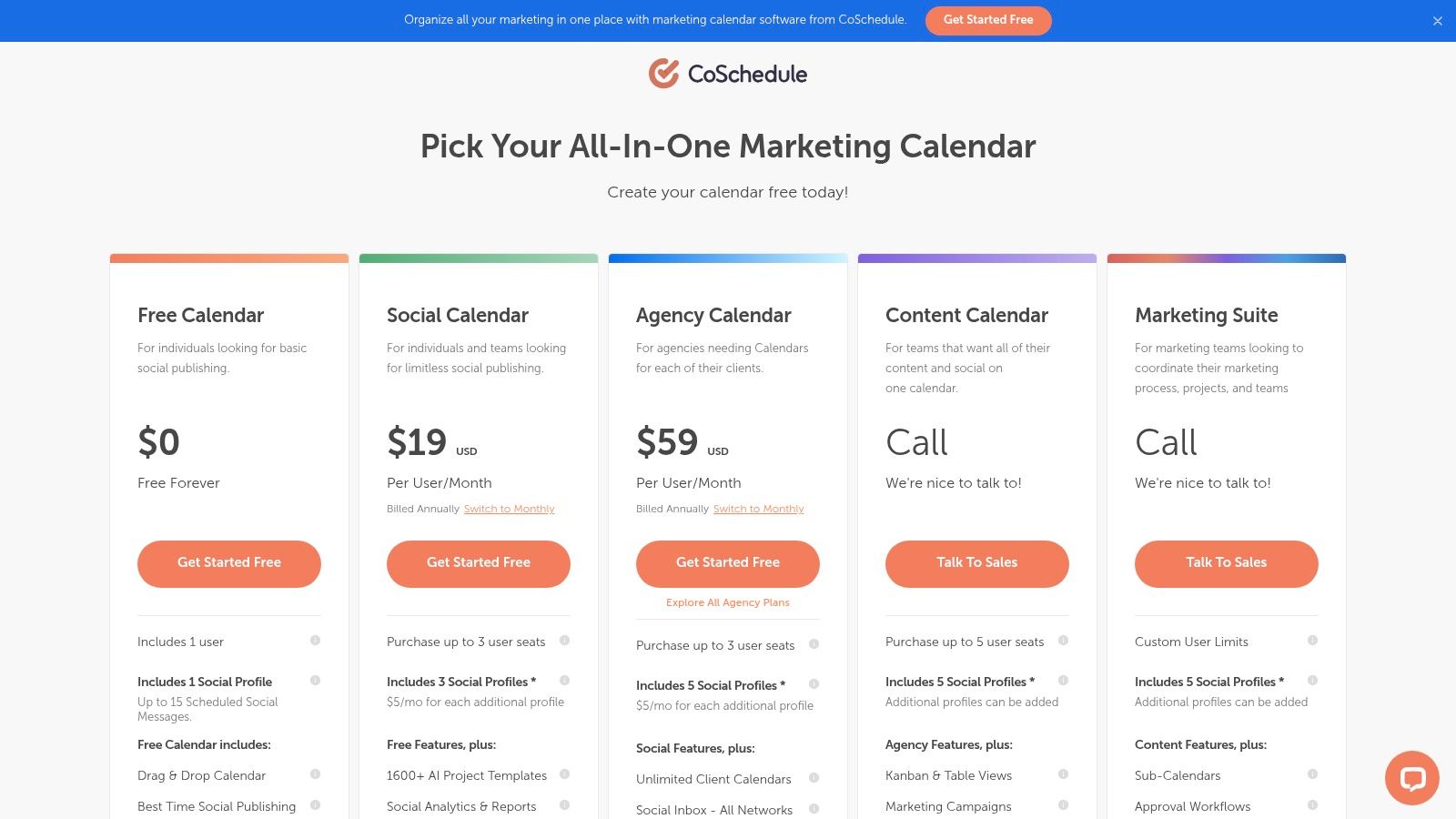
Its calendar supports Best Time Scheduling and bulk CSV import, while Threads publishing covers text, images, videos, and carousels. For a content team, the practical advantage is planning continuity. A social post can sit beside the source asset or campaign milestone, making it easier to identify gaps and prevent disconnected publishing.
The calendar-first model also helps teams distinguish operational timing from strategic timing. A post may be assigned a slot because it supports a launch, not because an algorithm predicted that slot would create the strongest response. The scheduler can organize the plan, but the team still needs to review whether the message fits the audience and current conversation.
Where content calendars help
CoSchedule works well when several content owners contribute to one marketing schedule. Bulk import can reduce repetitive setup, and social inbox options plus broader content integrations keep some follow-up work connected to the plan.
However, social inbox breadth varies by network, and advanced collaboration features require higher tiers. That means a content calendar can be strong for organization while still needing another tool for deep X and Threads engagement analysis.
Use CoSchedule when calendar alignment is more important than specialist conversation management. It's a sensible choice for marketing departments that want social posts to remain visible inside the same planning system as the rest of their content operation.
Teams that publish frequently on X should also validate their review process with an X publishing check before making the calendar the final control point.
10. Loomly
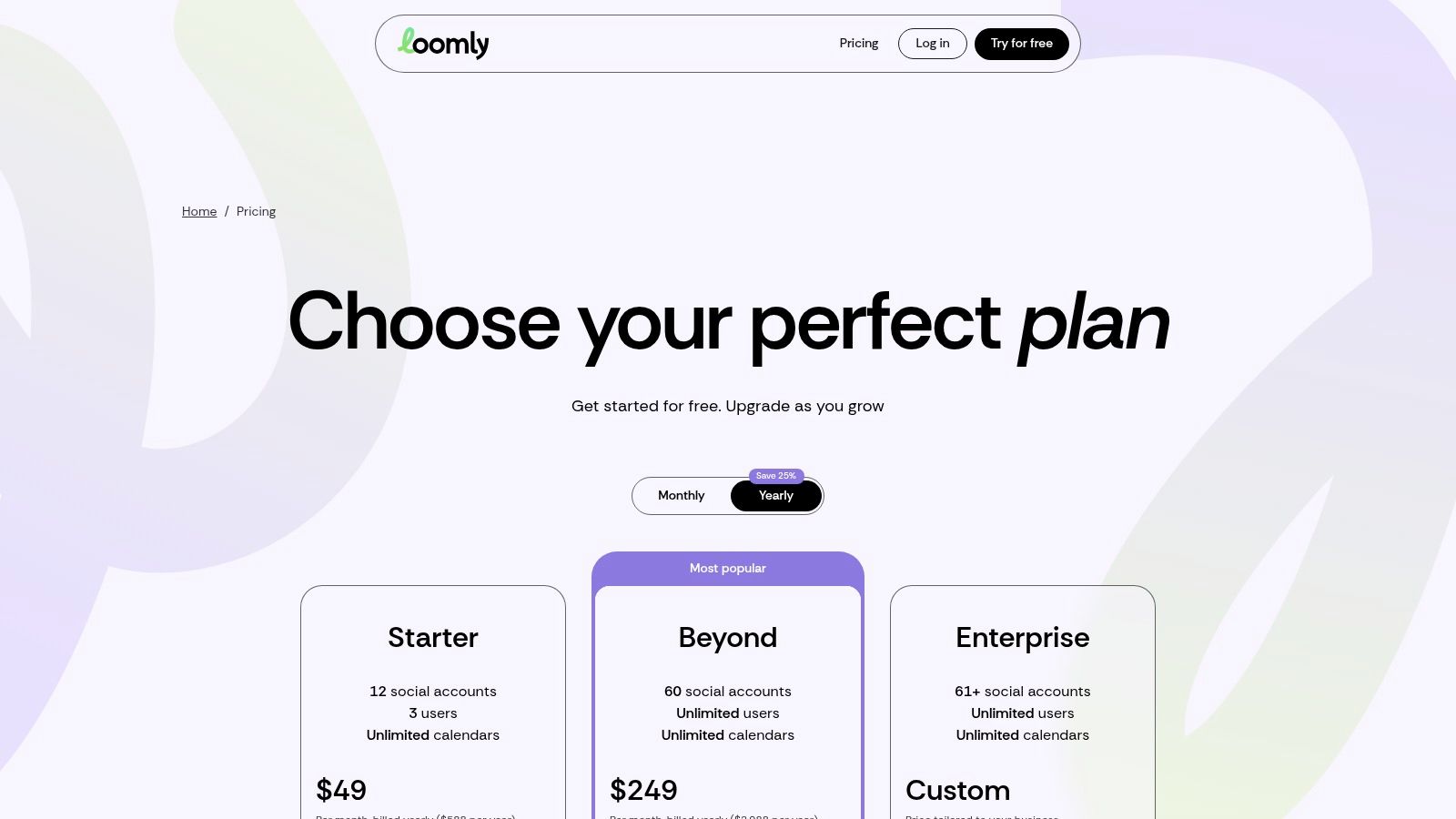
Loomly is a strong match for brands that need structured planning and stakeholder sign-off before anything reaches X or Threads. Its calendar, role-based collaboration, approval workflows, hashtag manager, and analytics give teams a clear route from draft to approved publication.
The approval model is Loomly's practical center of gravity. A social manager can prepare the post, assign a reviewer, collect changes, and preserve a controlled publishing process. That reduces the risk of an unfinished draft going live or a stakeholder approving one version while the scheduler publishes another.
For X and Threads, the workflow should include separate review of each network version. A shared idea can work across both platforms, but the final copy may need different framing, length, media, or calls to action. Loomly's value depends on whether reviewers inspect those variations rather than approving the first draft in bulk.
A structured choice for growing teams
Loomly offers generous social-account and user allowances by tier, with higher Beyond and Enterprise levels for larger operations. Pricing has undergone restructures, so current plan details need confirmation before purchase. That uncertainty is less important than the workflow question, but it can affect how the platform scales as more reviewers and accounts join.
Loomly is best for teams that value predictable sign-off over maximum automation. If your process is mostly one person drafting and publishing, its approval structure may add unnecessary steps. If clients, legal reviewers, or brand stakeholders regularly need visibility, those steps can protect consistency and account access.
Top 10 Social Media Scheduling Tools Comparison
| Product | Core features | Target audience | Standout USP | Threads/X & analytics | Pricing |
|---|---|---|---|---|---|
| Hootsuite | Unified calendar, bulk scheduling, AI writing suggestions | Teams & enterprises | Enterprise workflows & permissions; recommended send-times | Supports X & Threads; built-in analytics & asset libraries | Premium/enterprise priced; can feel expensive |
| Sprout Social | Smart Inbox, scheduling, deep reporting | Agencies & enterprise teams | Robust reporting, approvals and collaboration | Direct Threads scheduling, engagement & advanced analytics | Sales-led, per-user pricing; costly at scale |
| Buffer | Omnibox composer, channel-based plans, multi-post thread support | Creators & SMBs | Transparent, channel-based pricing; simple UX | Threads & X support; basic analytics (advanced on higher tiers) | Scalable, clear pricing per channel |
| Later | Visual calendar, media library, drag-and-drop planning | Visual-first brands (Instagram/TikTok) | Visual planning focus; strong media workflow | Desktop Threads & X scheduling; visual performance tools | Post limits on lower plans; team features premium |
| Agorapulse | Publishing, unified inbox, listening, reporting | Teams & agencies managing clients | Role-based workflows and client management | Native Threads & X support; shared calendars & reports | Per-user pricing; public tiers but can add up |
| Metricool | Scheduling + analytics, follower change tracking, integrations | Creators & small teams | Strong analytics relative to price | Threads metrics and daily follower tracking; integrations | Approachable, value-oriented pricing |
| Publer | Broad network scheduling, AI thread splitting, automation | SMBs needing wide network coverage | Broadest network list; thread automation tools | Supports Threads & X; feature parity varies by API | Competitive, transparent pricing options |
| SocialBee | Evergreen queues, AI captioning, category scheduling | SMBs & creators focused on cadence | Content recycling and category-based scheduling | Threads scheduling and Engage module; limited network analytics | SMB-friendly pricing; some engagement limits |
| CoSchedule Social Calendar | Calendar-first scheduling, Best Time Scheduling, bulk import | Teams tying social to broader content plans | Integrates social into content planning workflows | Threads support for text/media; social inbox varies | Accessible entry plan with upgrade paths |
| Loomly | Role/approval workflows, hashtag manager, analytics | Brands needing structured approvals & sign-off | Intuitive approvals and scalable account allowances | Threads & X support; analytics and approval flows | Pricing restructured, confirm current tiers before buying |
Choose the Workflow You Can Measure and Maintain
The best social media scheduling tool is the one your team can use consistently without losing the information needed to improve. The category is no longer a minor convenience. One industry roundup reports that 73% of social media marketers use dedicated scheduling tools, compared with 61% in 2024 and 47% in 2022. The same social media scheduling statistics report says users save an average of 6.3 hours per week, 87% schedule at least one week ahead, and 91% report improved posting consistency. Those findings explain why scheduling has become foundational, but consistency alone isn't the same as publishing intelligence.
Choose Hootsuite or Sprout Social when enterprise permissions, reporting, engagement management, and approval governance matter more than a lightweight interface. Sprout is especially appropriate when Threads conversations and analytics need to remain close to publishing. Hootsuite is a broader operational choice for teams managing many networks, assets, and contributors.
Choose Buffer when you're a creator or small team that needs simple, platform-specific scheduling for X and Threads. Choose Later when visual planning, media organization, and short-form video workflows drive the calendar. Choose SocialBee when evergreen recycling and category-based queues solve your biggest consistency problem.
Choose Publer when multi-post Threads workflows and broad network coverage matter. Choose Metricool when analytics and reporting deserve more attention than visual polish. Choose CoSchedule Social Calendar when social publishing must sit beside broader campaign and content planning. Choose Agorapulse when agencies need shared calendars, assignments, inbox management, and client reporting. Choose Loomly when stakeholder approvals are the main source of publishing friction.
Evaluate any finalist in this order:
- Test X and Threads behavior: Publish test drafts privately or through the platform's available review process, and verify whether each network supports the formats you use.
- Inspect per-network editing: Start with one idea, customize it for X and Threads, and confirm that edits don't overwrite the other version.
- Verify draft safety: Check autosave behavior, access permissions, revision visibility, and what happens when a connected account expires.
- Run the approval path: Add the writers, reviewers, and clients. Confirm who can edit, approve, publish, and revoke access.
- Inspect measurement: Look for exports, integrations, follower trends, conversion context, and enough post-level detail to compare predicted and actual performance.
- Read the limitations: Review unsupported formats, API restrictions, plan gates, user charges, account limits, and migration requirements before signing up.
Cloud adoption reinforces the value of browser-accessible collaboration. Cloud-based deployment accounted for over 65% of market share in 2024, according to Research and Markets' social media scheduling tool report. For X and Threads teams, browser access can support shared review loops and cross-platform publishing, but it doesn't automatically protect typed drafts or explain performance.
Yubook is a complementary option for creators and teams that need browser-based drafting with on-device typing, simultaneous X and Threads publishing, explainable forecast ranges, unified measurement, and prediction-versus-actual replay. It isn't a replacement for every scheduler. It addresses the layer many scheduling tools leave open, namely whether a draft is likely to fit the account, how attention connects to follower conversion, and what the difference between forecast and result teaches you.
The strongest workflow often combines reliable scheduling with an explicit learning loop. Schedule what can be planned, publish live when conversation requires it, measure both platforms, and use the result to improve the next draft.
Yubook helps creators and teams draft safely in the browser, publish one post to X and Threads, forecast likely reach with explainable ranges, and compare predictions with actual results. Visit Yubook to evaluate a publishing workflow built around measurable audience growth rather than scheduling alone.